6 Mar 2026
Post by Gabriel
Keeping your iPhone’s sound quality intact is vital for clear communication and enjoying media. A dirty ear speaker disrupts this, causing muffled audio and irritation. Fortunately, cleaning your iPhone’s ear speaker can easily restore its performance. In this guide, we’ll explore effective methods for safe cleaning.
Why Cleaning Your iPhone Ear Speaker is Important
The iPhone ear speaker is prone to collecting dirt, dust, and debris, negatively affecting sound output. This can result in missed calls or poor audio quality during use. By routinely cleaning your iPhone’s ear speaker, you ensure optimal sound quality and avoid costly repairs. This preventive action goes a long way in maintaining your device.
With this understanding, it’s important to have the right tools ready. Knowing what you need beforehand makes the cleaning process efficient and effective.
Tools and Materials You Will Need
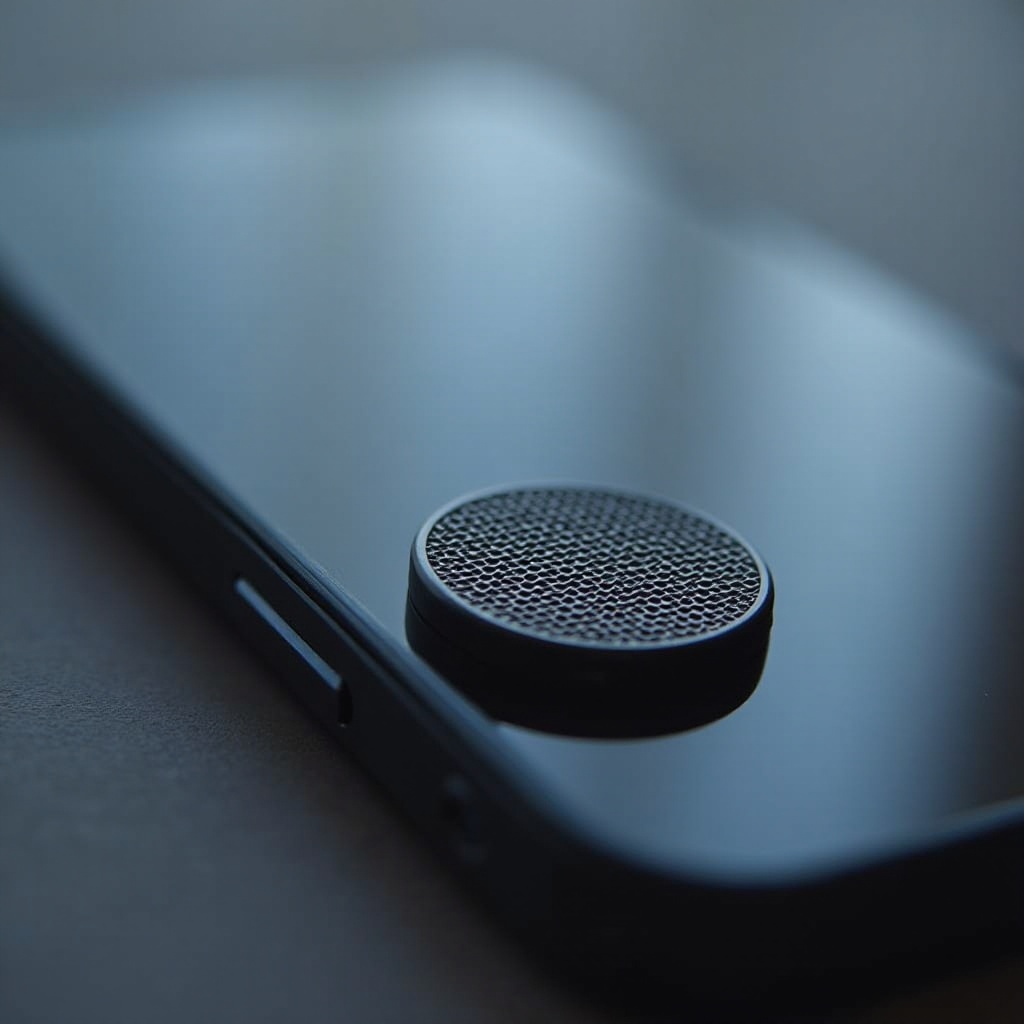
Before starting, gather all necessary tools and materials to ensure a smooth cleaning process:
– A soft, small brush or toothbrush
– Isopropyl alcohol (70% or higher)
– Microfiber cloth
– Adhesive putty or gel
– Compressed air can (optional)
Armed with these, you can now proceed to clean your iPhone ear speaker properly.
Step-by-Step Guide to Cleaning Your iPhone Ear Speaker
Preparing Your iPhone for Cleaning
- Power Off: Turn off your iPhone to prevent any damage and ensure safety.
- Remove Case: Take off any case to expose the ear speaker.
- Setup Your Work Area: Choose a clean, bright space to work in.
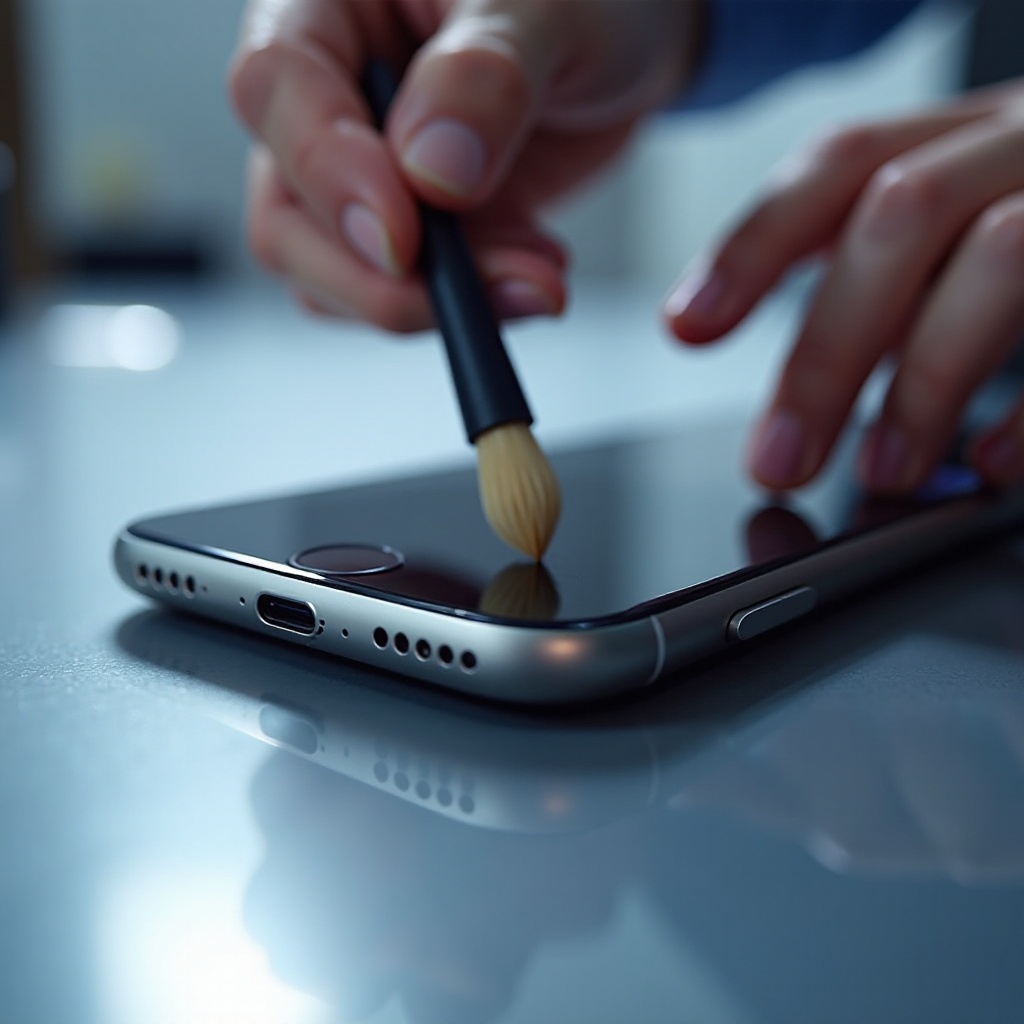
Using a Soft Brush or Toothbrush
- Gently Sweep: Use the brush to gently remove visible debris.
- Clean Carefully: Be gentle around the speaker edges.
Cleaning with Isopropyl Alcohol
- Dampen Cloth: Lightly dampen a microfiber cloth with the alcohol.
- Wipe Speaker: Carefully wipe the speaker, avoiding excess liquid.
- Air Dry: Allow the speaker to dry naturally before use.
Using Adhesive Putty for Deep Cleaning
- Roll Putty: Form a small ball of adhesive putty.
- Press and Pull: Gently press onto the speaker grill and pull away.
- Repeat: Continue until the putty removes all dirt.
Following these cleaning steps helps maintain your speaker’s usability. Understanding common mistakes prevents damage and ensures long-lasting performance.
Common Mistakes to Avoid
- Sharp Objects: Do not use pins or needles to clean the speaker.
- Excess Liquids: Over-wetting can damage internal components.
- High-Pressure Air: Avoid using high-pressure air as it can push debris further inside.
Avoiding these mistakes preserves your device’s condition. Preventing future dirt buildup is also critical in maintaining your iPhone’s ear speaker.
Preventive Measures to Keep Your Ear Speaker Clean
To help maintain performance and prevent buildup:
– Use Compatible Protectors: Consider using screen protectors with speaker grill covers.
– Regular Checks: Periodically inspect your ear speaker for dirt.
– Dust Protection: Minimize exposure to dusty environments.
Adopting these habits reduces cleaning frequency and prolongs device life.
Troubleshooting and When to Seek Professional Help
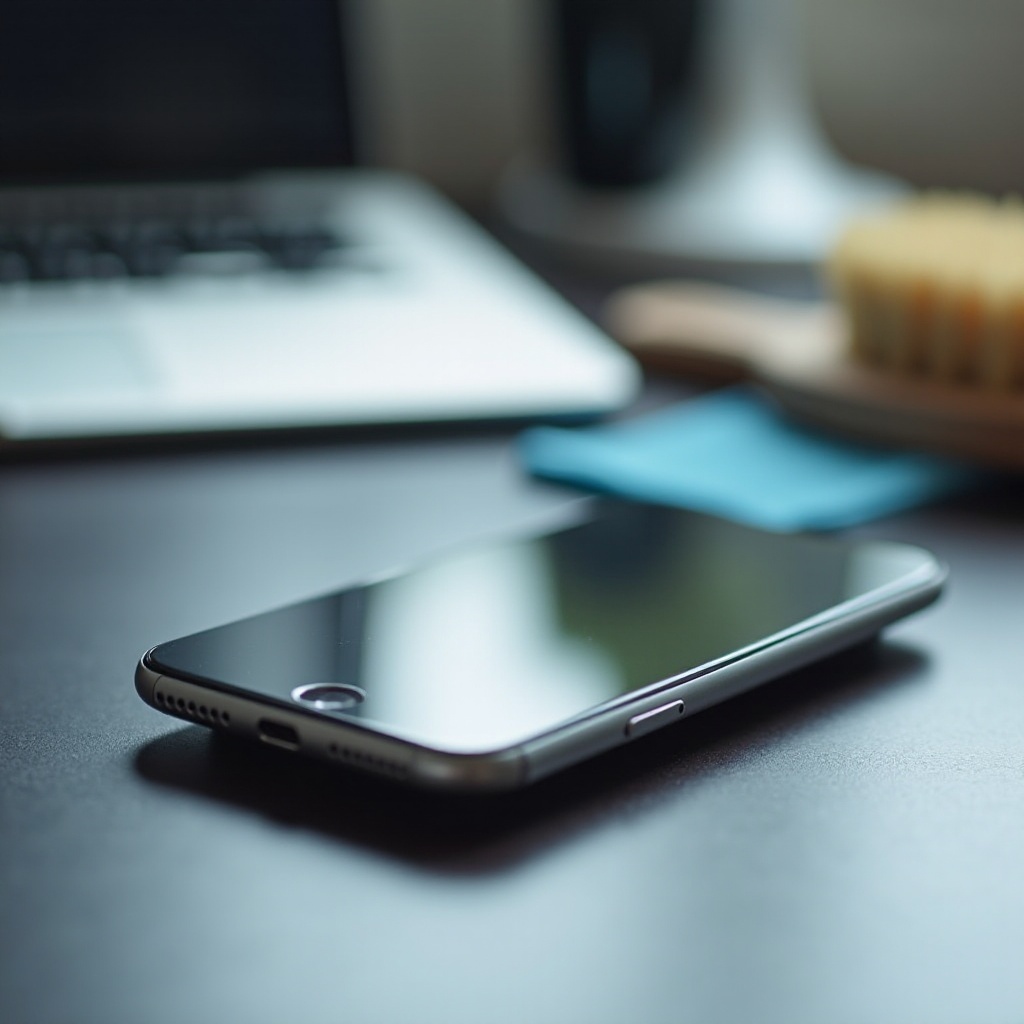
If issues persist post-cleaning, software anomalies may be the cause. Ensure your phone’s software is up-to-date. If problems continue, consider professional service. Persistent audio issues often require expert assistance to prevent further damage. Visit an authorized Apple service provider for reliable inspections and solutions.
Conclusion
Keeping your iPhone’s ear speaker clean greatly enhances your device’s functionality and your user experience. Regular maintenance and cautious cleaning practices ensure superior audio quality, letting you enjoy clear conversations and media. Follow these guidelines to protect and maintain your iPhone.
Frequently Asked Questions
What should I do if my iPhone’s ear speaker is still not working after cleaning?
Try restarting your phone or checking for software updates. If issues persist, consult an authorized Apple service provider.
How often should I clean my iPhone ear speaker?
Clean your ear speaker every few weeks or when you notice audio issues. Regular checks help prevent significant buildup.
Can I use other cleaning products on my iPhone ear speaker?
Stick to isopropyl alcohol and tools mentioned. Avoid household cleaners that may contain harmful chemicals.