27 Nov 2026
Post by Gabriel
Introduction
In today’s tech-savvy world, the quest for optimal laptop performance is never-ending. With increased power crammed into sleek designs, laptops are often prone to overheating—a problem that threatens performance and longevity. Enter laptop coolers, marketed as a simple fix to keep devices running smoothly. This article delves into whether these coolers genuinely manage to keep laptop temperatures in check, unpacking the technology behind them, their effectiveness, influencing factors, and guidance on choosing the right cooler to complement your device.
Understanding Laptop Overheating
The issue of laptop overheating stems from the inherent design trade-offs of portability and performance. Packed with powerful components like CPUs and GPUs, laptops often generate heat levels that their built-in cooling systems struggle to manage, resulting in throttled performance and potential damage. As laptops don’t have the expansive cooling capacity of desktops, maintaining an optimal temperature during intensive tasks becomes a challenge. Awareness of these overheating triggers helps users prolong their laptops’ life.
Made to tackle this challenge, laptop coolers have become a staple recommendation. Gaining insight into their operational mechanics and availability will provide a clearer picture, setting the stage for assessing their true value.

How Laptop Coolers Operate
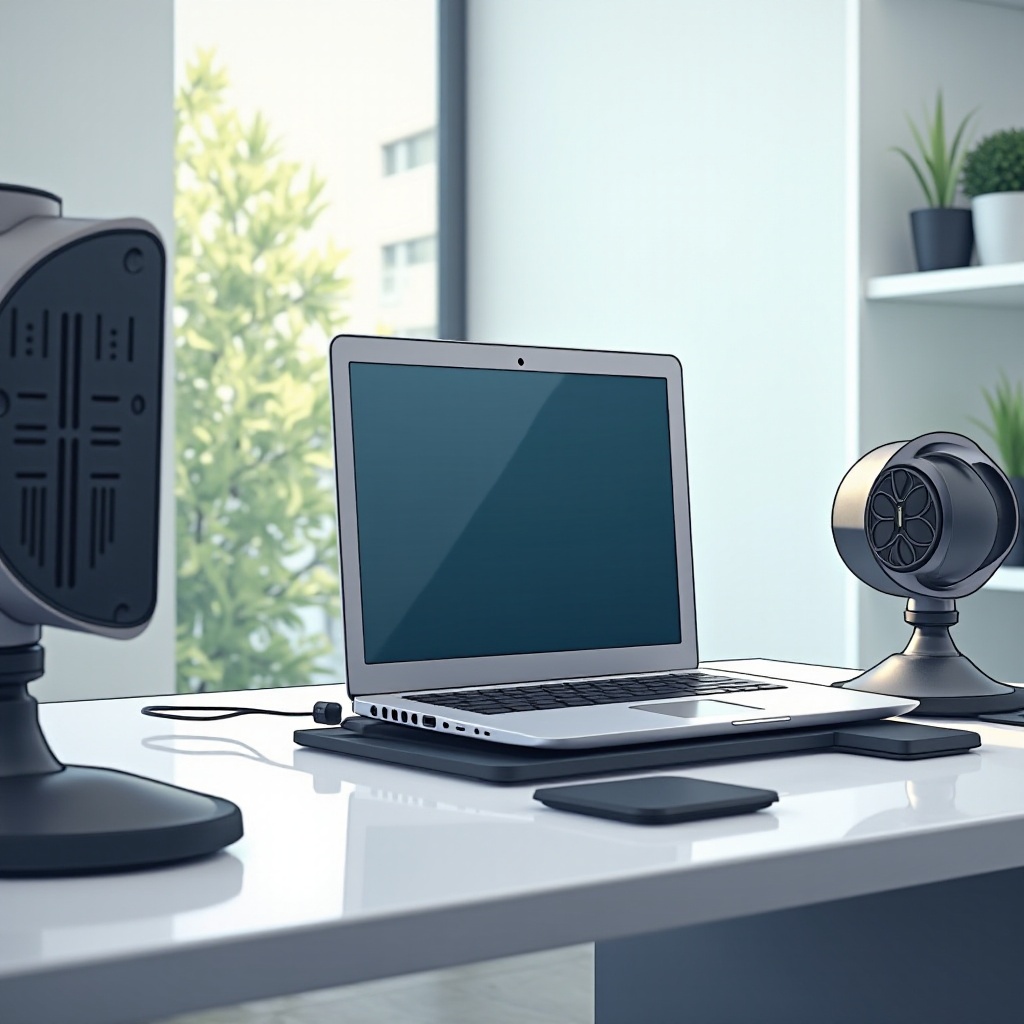
Primarily external devices, laptop coolers aim to boost airflow around a laptop’s interior. Most models host built-in fans that utilize USB power to direct air into the laptop’s ventilation system to assist the internal cooling mechanisms. Some sophisticated designs incorporate thermoelectric cooling pads, which actively dissipate heat rather than just facilitating airflow. Additionally, the ability to modify fan speeds and angles can allow for targeted cooling of specific hotspots. Essentially, a laptop cooler’s main function is to alleviate some cooling responsibilities from the laptop’s internal fans, contributing to a balanced thermal environment.
While straightforward, the efficacy of coolers can significantly differ. Factors like the cooler’s build quality, the laptop’s architecture, and the ambient conditions are pivotal. Thus, we arrive at the pressing question: How effective are these cooling aids?
Measuring the Effectiveness of Laptop Coolers
To assess a laptop cooler’s utility, we look towards empirical evidence. User reviews and real-world data offer insights into their performance across various settings.
Case Studies and Real-World Examples
Research and anecdotal evidence indicate that laptop coolers can indeed bring down operational temperatures, by approximately 3-5°C. Enthusiasts involved in gaming and video production often appreciate the improved consistency a good cooler brings. Yet, not all users experience substantial benefits, bringing to light the importance of selecting a fitting cooler.
Key Performance Indicators for Cooling
Key performance metrics include:
- Temperature Drop: A few degrees’ decrease is valuable to avoid throttling.
- Performance Stability: Reduction in performance lagging under heavy usage.
- Noise Reduction: Less reliance on internal fans can cut down on operational noise.
Analyzing these metrics helps pinpoint the tangible advantages delivered by laptop coolers.
Factors Influencing Cooler Performance
Though a useful tool, a laptop cooler’s success is contingent on several variables.
Laptop Design and Compatibility
Unique laptop designs influence a cooler’s impact. Those with larger air intake vents at the bottom are more likely to benefit from external cooling pads. In contrast, ultrabooks with tightly sealed builds may gain less advantage, due to restricted airflow.
Variances in Cooler Models and Brands
The market offers a myriad of choices, each bringing distinct features to the table. High-speed fans, adjustable positions, and sleek designs are some differentiators. Renowned brands known for reputable and detailed specs empower users to select models that best harmonize with their laptops. Recognizing these disparities helps buyers make informed decisions.
Selecting the Right Laptop Cooler
Opting for the ideal laptop cooler necessitates more than settling for the most popular option.
Essential Features to Consider
When choosing a cooler, be mindful of:
- Fan Speed and Size: High RPMs and large fans can enhance airflow.
- Compatibility: Fit your laptop’s size and design.
- Portability: Lightweight models are preferable for mobility.
Recommended Laptop Coolers for 2024
Top coolers for 2024 include:
- Cooler Master Notepal X3: Recognized for its robust construction and modifiable fan speed.
- Thermaltake Massive 20 RGB: Features a substantial fan paired with visual appeal from RGB lighting.
- HAVIT HV-F2056: Offers a sleek design with additional USB ports, optimal for compact laptops.

Conclusion
To wrap up, laptop coolers can be a worthwhile investment—provided they’re well-suited to your laptop’s design requirements and of adequate quality. They offer supplemental support to the device’s internal cooling assembly, notably during intense use. While outcomes may vary based on individual conditions, securing a premium cooler represents a reasonable move for those frequently grappling with overheating. Align your choice with your laptop’s demands for the best efficacy.
Frequently Asked Questions
Do laptop coolers extend the lifespan of a laptop?
Yes, by reducing operating temperatures, coolers can help avoid heat-induced damage, potentially extending a laptop’s lifespan.
Are there any drawbacks to using a laptop cooler?
Some coolers can be noisy and add bulk, which might be inconvenient for portable use. They might also not fit all laptop designs perfectly.
How do I know if my laptop needs a cooler?
Signs include frequent overheating, performance throttling, or high fan noise during regular use. If you notice these, considering a cooler is wise.