15 May 2026
Post by Gabriel
Introduction
Gaming is a beloved pastime for many, making the reliability of your Xbox controller crucial. When the LB button malfunctions, it disrupts your enjoyment and performance. This guide provides clear solutions for identifying and fixing issues with your Xbox controller’s LB button. Here, you’ll learn how to recognize common causes, perform troubleshooting, apply advanced repair methods, and engage in preventive maintenance.
Understanding the LB Button Issue
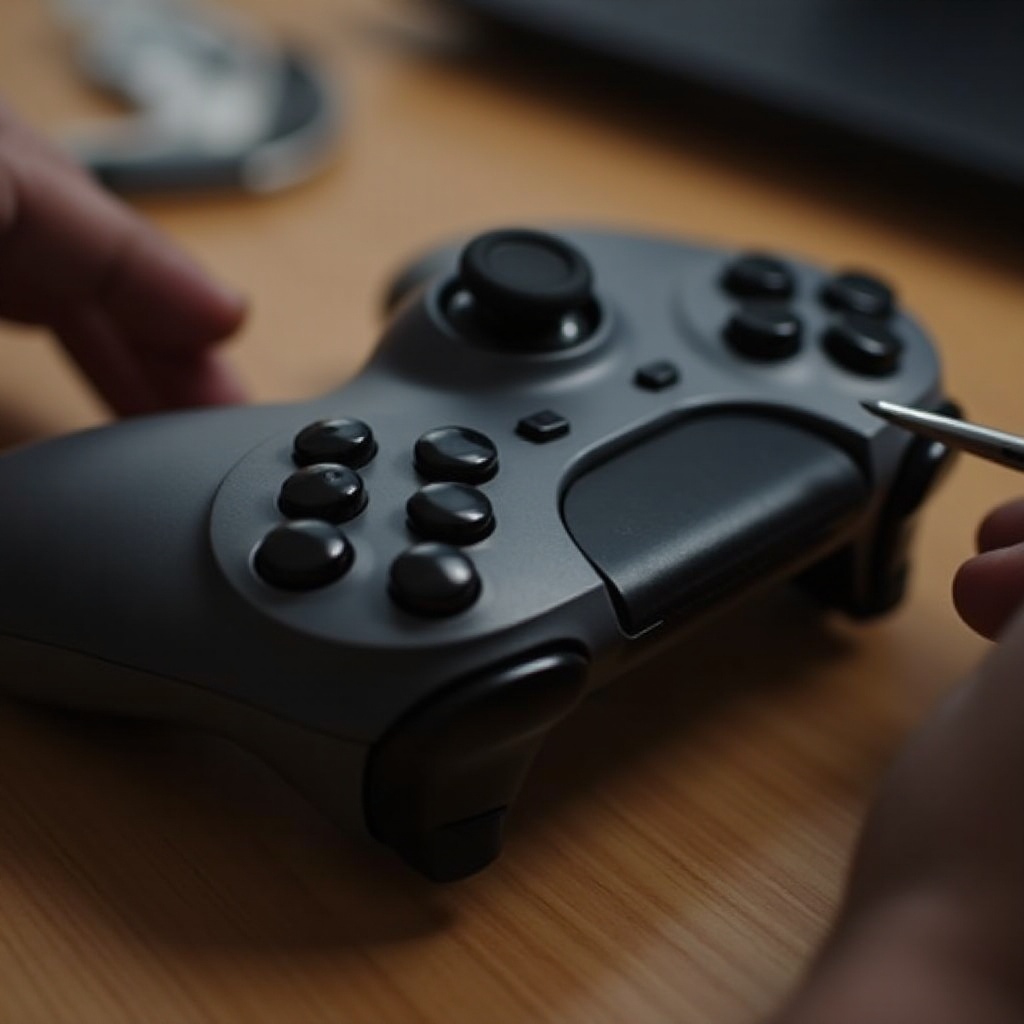
Recognizing the symptoms of a faulty LB button is the first step. Issues can range from complete unresponsiveness to intermittent functionality or requiring excessive force to register commands. These problems often arise from a few common causes.
Physical damage due to impacts or mishandling can harm internal button components. Dust or debris accumulated inside the controller can also lead to performance issues. Additionally, software glitches or outdated firmware might result in input recognition problems. Comprehending these causes prepares us to take actionable steps in troubleshooting.
Basic Troubleshooting Steps
Starting with simple troubleshooting can often resolve the problem:
- Inspect your controller for visible damage, such as cracks or moisture, that might affect the LB button.
- Connect your controller to the console and check for software updates. Updated firmware can often rectify functionality issues, including non-responsive buttons.
- Recalibrate your controller through the console’s settings to resolve any mismatches in input and response.
By addressing these factors, many issues can be cleared up. If problems persist, more advanced solutions are necessary.
Advanced Repair Solutions
For ongoing LB button issues, consider these advanced repair approaches:
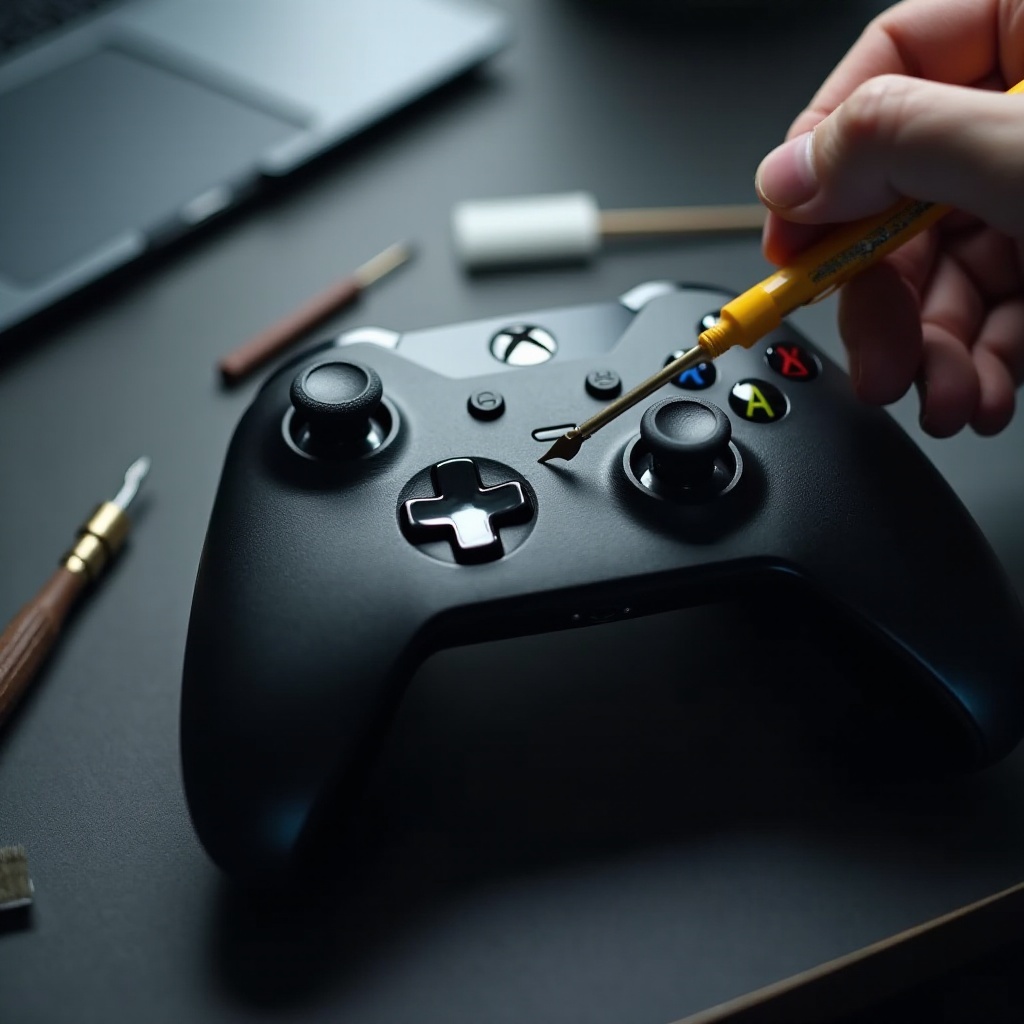
- Cleaning internal components can often restore function if dust or debris is the problem. Carefully open the controller casing and clean with compressed air or a soft brush.
- If you find electrical connections loose or broken, re-soldering may be needed to restore the button’s functionality. This should only be attempted by those with soldering experience.
- If internal parts are beyond repair, replacing them with compatible ones might be necessary. Follow a detailed guide to disassemble and replace these parts safely.
These advanced repairs should resolve more challenging hardware issues. Next, maintaining your controller can help prevent such problems from recurring.
Preventive Maintenance Tips
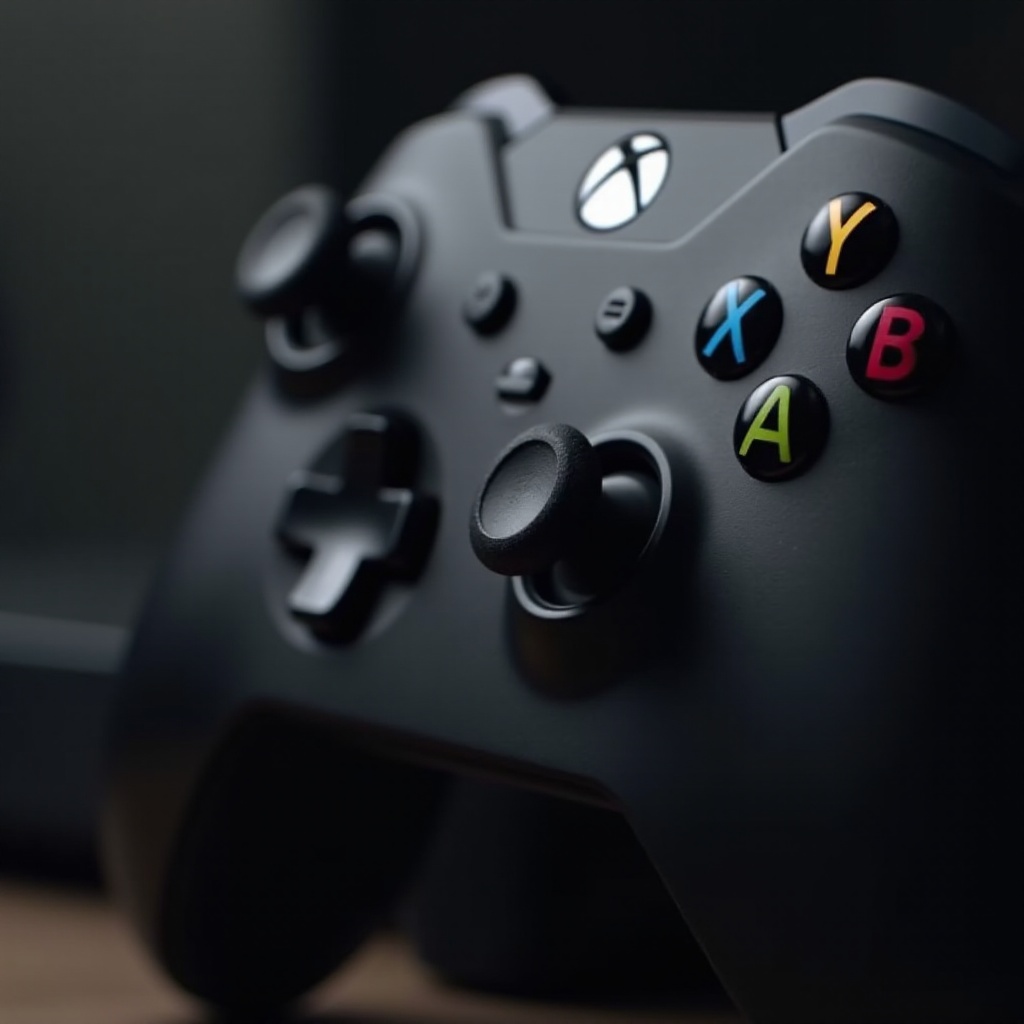
Regular maintenance ensures your controller stays in excellent working condition:
- Clean your controller monthly to remove dust and debris that could interfere with button performance.
- Store your controller in a protective case to avoid accidental damage from falls or impacts.
- Handle your controller gently to prevent unnecessary strain on buttons and internal components.
Taking these steps will help extend the life of your Xbox controller, reducing the likelihood of future malfunctions.
When to Seek Professional Help
Sometimes, the best course of action is to consult a professional. Persistent issues or complex hardware damage are reasons to seek expert assistance. Professional repair might be necessary if the following applies:
- Your button remains unresponsive, indicating severe internal damage.
- Complex internal issues that aren’t clear.
- Weigh the costs. If repairing is too high, it might be wiser to consider a new controller.
With these insights, you’re equipped to handle your controller’s LB button issues effectively.
Conclusion
Solving the LB button problem can seem daunting, but with the right steps, you can restore your controller to full functionality. From basic troubleshooting to advanced repairs and preventative care, you’ll ensure your controller performs reliably. Implementing these strategies keeps your gaming smooth and uninterrupted.
Frequently Asked Questions
How often should I clean my Xbox controller?
Regularly clean your controller at least once a month to prevent dust and debris buildup.
Can software updates fix the LB button issue?
Yes, updating the controller’s firmware can resolve certain electronic issues affecting button responsiveness.
What is the average cost of repairing an Xbox controller?
The cost varies but typically ranges from $30 to $70, depending on the extent of repair and provider.