24 Apr 2026
Post by Gabriel
Introduction
Video cards, or GPUs, are essential for delivering high-quality visuals in computers, whether you’re gaming, designing, or just watching videos. These components can face various problems that impact your computer’s performance. Timely recognition and resolution of these issues are key to maintaining optimal functionality and prolonging the lifespan of your equipment. This article delves into common video card problems and provides actionable solutions to keep your system running smoothly.
Types of Video Card Problems
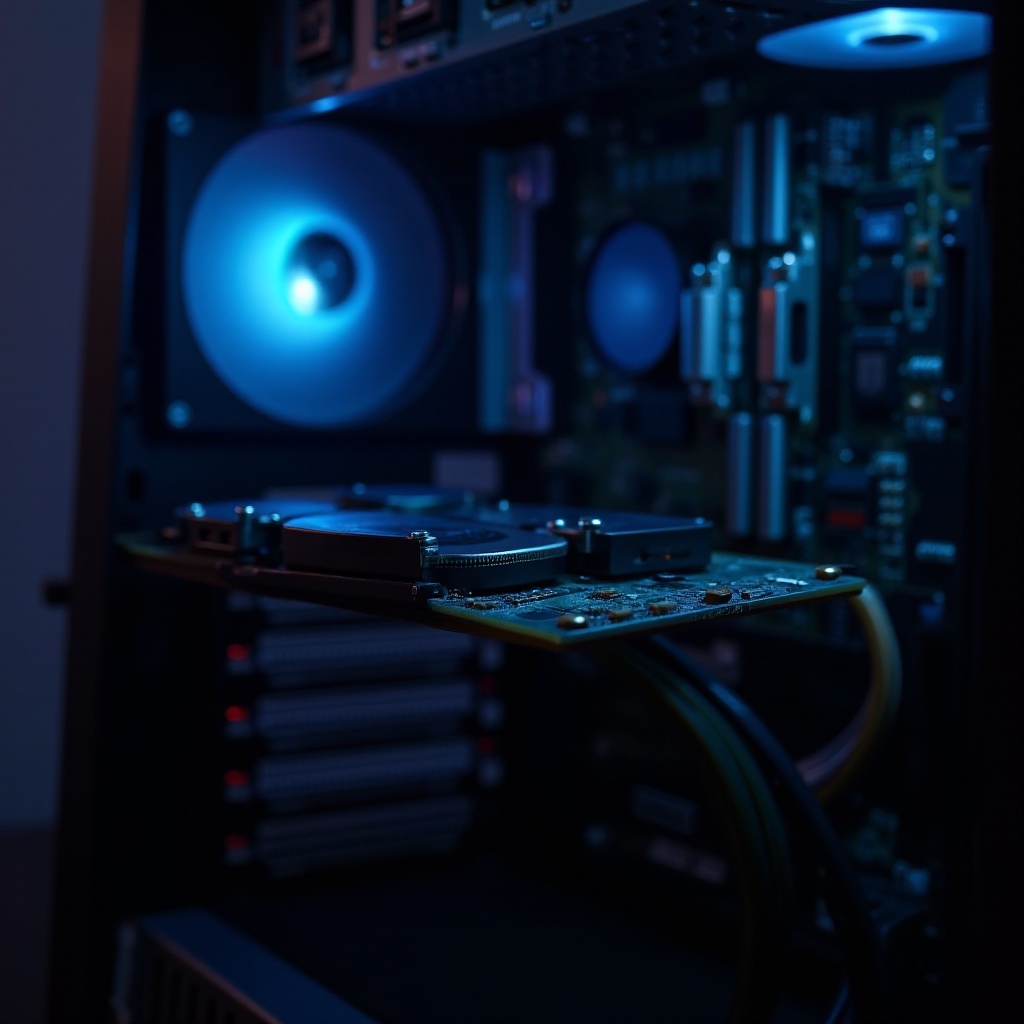
Video card issues can come in many forms, affecting the user experience and the computer’s overall performance.
-
Visual Glitches and Artifacts: These issues present as distorted graphics, screen flickers, or unusual color patterns. Typically arising from overheating or outdated drivers, they interfere with your experience during activities like gaming or video playback.
-
Overheating and Cooling Issues: Inefficient ventilation or accumulation of dust can lead to overheating, causing unexpected shutdowns to prevent hardware damage.
-
Driver Conflicts and Software Problems: Old or corrupted drivers can result in performance slowdowns or incompatibility with newer software, affecting program functionality.
Identifying these issues early can prevent further complications and help maintain smooth operation.
Diagnosing Video Card Issues
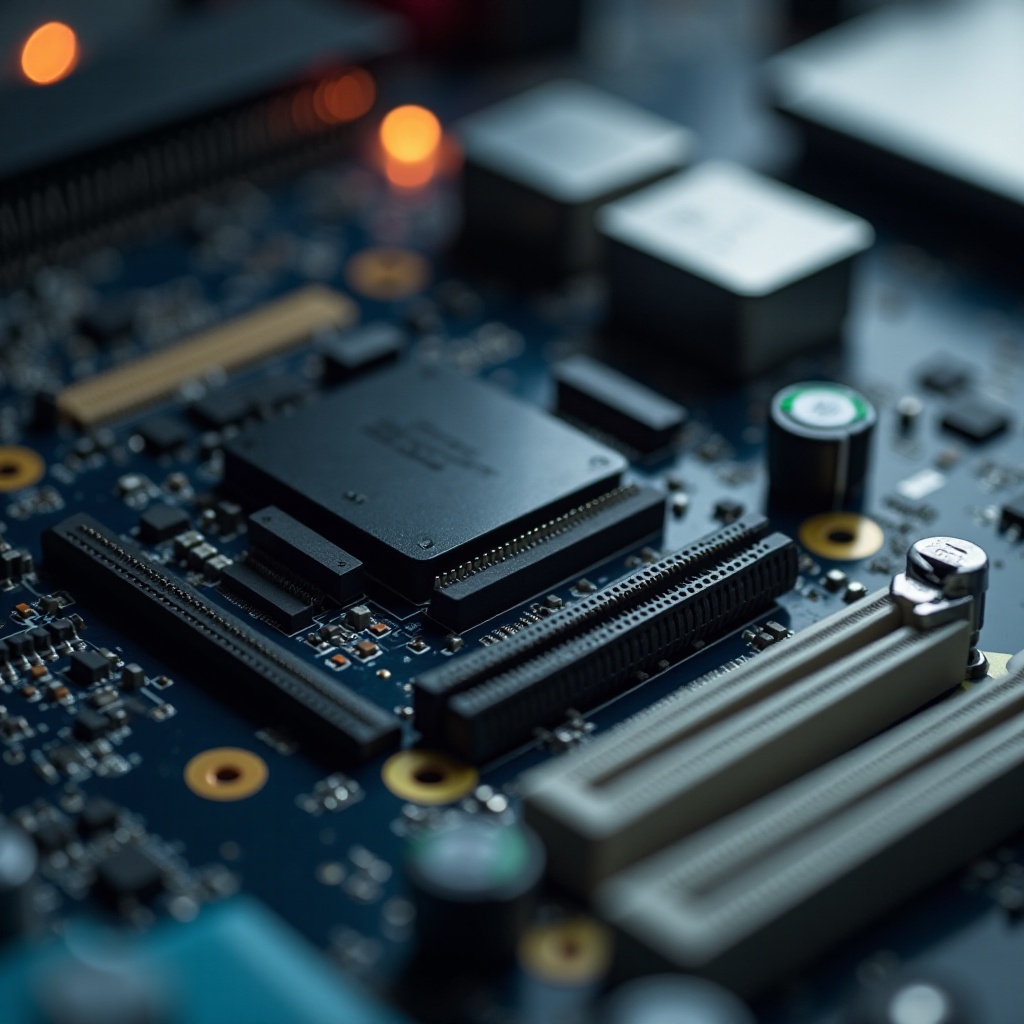
After recognizing symptoms, the next step is diagnosing the cause. Knowing whether you’re dealing with a hardware or software issue is vital for applying the correct fix.
-
Distinguishing Hardware from Software Issues: Hardware issues might involve physical damage or connectivity problems, whereas software issues often relate to driver conflicts or outdated software versions.
-
Tools for Video Card Health Assessment: Use applications like GPU-Z or HWMonitor to track your card’s temperature and load. Stress tests with FurMark or 3DMark can also help pinpoint performance issues.
Accurate diagnosis ensures that the fixes you apply effectively address the problems you’re experiencing.
Solutions to Common Video Card Problems
Addressing video card problems requires a range of strategies. Here are step-by-step solutions for common issues:
-
Updating and Rolling Back Drivers: Keeping drivers updated is crucial. Access your manufacturer’s website to find the latest updates. If a recent update leads to issues, reverting to a previous version might resolve them.
-
Enhancing Cooling Solutions: Ensure good ventilation inside your computer. Regularly clean fans and heatsinks to prevent dust accumulation. Consider adding extra fans or using a cooling pad for laptops.
-
Resolving Power Supply Challenges: Make sure your power supply unit (PSU) delivers sufficient power. Verify the secure connection of power cables. Utilize a power calculator tool to assess your wattage needs.
These solutions can substantially improve your video card’s performance and reliability.
Preventative Measures for Video Card Health
Proactive maintenance is essential to avoid future issues:
-
Regular Maintenance Practices: Periodically clean your computer’s internals. Schedule routine virus and malware scans, as these can impact performance.
-
System Monitoring Tools: Deploy software to continuously monitor CPU and GPU temperatures and loads, which helps detect potential issues early.
-
Avoiding Overclocking Pitfalls: While overclocking can enhance performance, it increases heat and stress on components. Proceed with care and keep everything within safe operational limits.
Adhering to consistent maintenance routines not only boosts performance but also extends the video card’s lifespan.
When to Seek Professional Help
Despite your efforts, some issues may persist. Knowing when to consult a professional is crucial:
-
Recognizing Persistent Issues: Continuous problems after troubleshooting might indicate underlying hardware failures that need expert intervention.
-
Understanding Warranty and Support Options: If your card is still under warranty, consult the manufacturer before attempting repairs. They often provide fixes or replacement services.
Professional assistance ensures complex issues are managed correctly, preventing further damage.
Conclusion
While video card problems are common, they are manageable with the right knowledge and tools. By properly diagnosing issues, applying efficient solutions, and maintaining regular upkeep, you can keep your computer running smoothly. If uncertainty arises, don’t hesitate to seek professional help to protect your valuable equipment.
Frequently Asked Questions
What are the first signs of video card failure?
Frequent crashes, screen flickering, and unusual colors may indicate early video card issues.
How often should I update my video card drivers?
Updating drivers every 3-6 months is generally recommended unless experiencing specific issues that require immediate updates.
Can overheating permanently damage my video card?
Yes, overheating can cause permanent damage. Regular cleaning and adequate cooling can prevent this risk.