26 Jun 2026
Post by Gabriel
Introduction
The PS4 Safe Mode is crucial for troubleshooting and resolving system errors on your console. However, what should you do when the PS4 gets stuck in a Safe Mode loop? This issue disrupts gaming by limiting access to regular functions and features. Learning how to resolve and prevent this loop can save you time and frustration.

Understanding the PS4 Safe Mode Loop
Encountering a PS4 Safe Mode loop is frustrating at best. But what exactly is this, and why does it occur? The loop happens when your PS4 continually boots into Safe Mode instead of the normal operating interface. Such an occurrence is often triggered by software glitches, corrupted updates, or hardware malfunctions, each impacting your ability to enjoy seamless gaming. Recognizing how this impacts system stability underpins any troubleshooting effort and signals whether further repairs might be necessary.
Troubleshooting the PS4 Safe Mode Loop
Successfully breaking free from a Safe Mode loop starts with basic troubleshooting.
- Preliminary Checks and Solutions:
- Verify that all cables are secure, as loose connections may cause startup issues.
-
Try alternate power and HDMI cables to rule out faults in the cords.
-
Restarting the PS4 in Safe Mode:
- Power down the PS4 completely.
-
Press and hold the power button until hearing two beeps, signaling entry into Safe Mode.
-
Rebuilding the Database:
- In Safe Mode, choose ‘Rebuild Database.’ This action scans and reorganizes your files to potentially resolve the loop.
These initial steps reset your system’s functioning, preparing it for deeper interventions if the issue recurs.
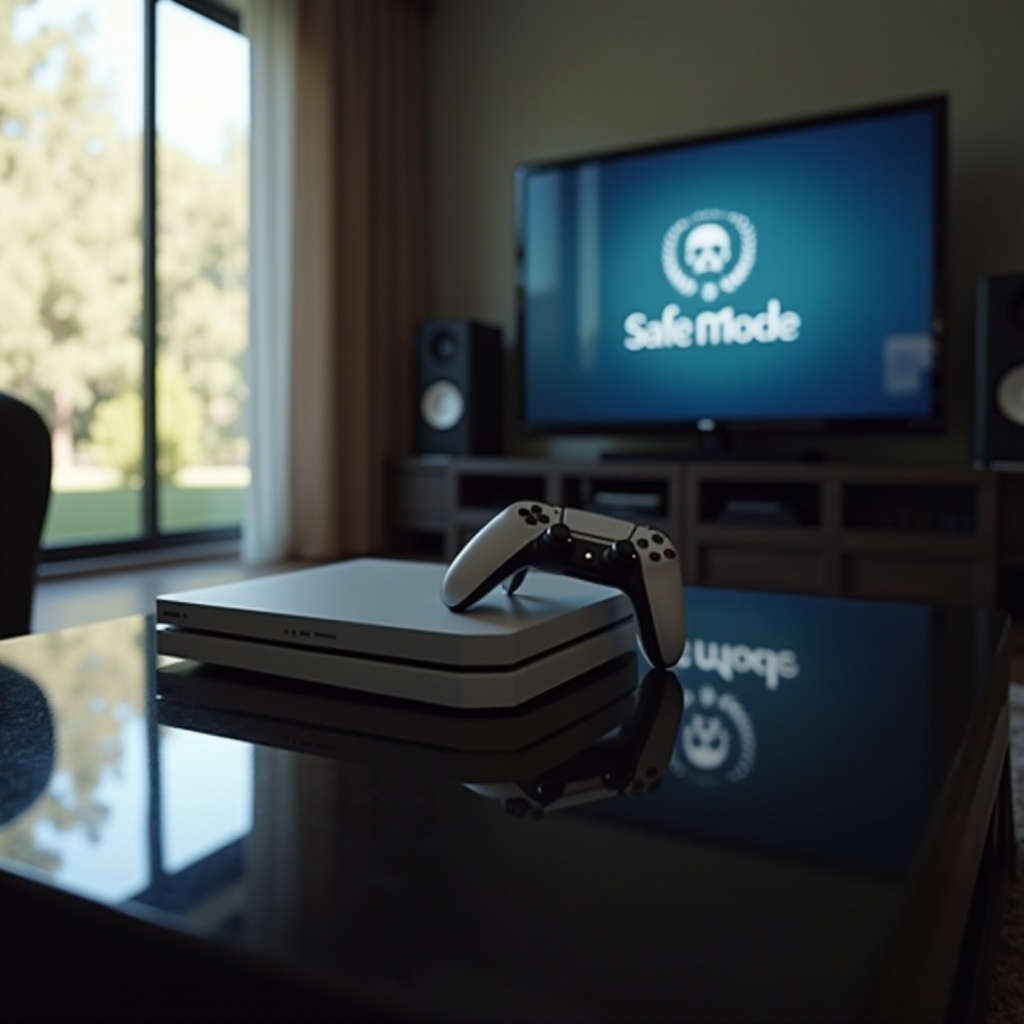
Advanced Solutions to Fix the Safe Mode Loop
If preliminary measures fail, it’s time to try advanced techniques.
- Updating System Software:
-
Ensure your console runs the latest software version. Download updates from the PlayStation website and install them via USB while in Safe Mode.
-
Restoring Default Settings:
-
Opt for ‘Restore Default Settings’ in Safe Mode to fix configuration issues without deleting your data.
-
Initializing the PS4: When and How:
- As a final measure, initializing the PS4 erases all data and settings. This reset should only be done after backing up essential information, preparing the console for a fresh start.
Implementing these strategies can correct even challenging loop issues and help prevent reoccurrences.

Preventing the PS4 Safe Mode Loop in the Future
With the problem resolved, precautions can help avoid similar issues.
- Regular System Maintenance Tips:
-
Consistently update the system’s software and use surge protectors to maintain power integrity.
-
Ensuring Power Supply Stability:
-
Assure a stable power source to minimize the chances of unexpected shutdowns that could lead to boot loops.
-
Managing Storage and Applications:
- Keep the hard drive clean with sufficient space and avoid installing potentially conflicting or corrupted software.
Proactive steps maintain system performance, minimizing further loop occurrences.
Conclusion
By implementing these solutions, you can break free from the frustrating PS4 Safe Mode loop. Regular maintenance and strategic recovery steps ensure your console operates smoothly. Should significant issues persist, professional repair services might be necessary to avoid hardware damage.
Frequently Asked Questions
What should I do if my PS4 gets stuck in a Safe Mode loop again?
Retrace troubleshooting steps, ensure secure connections, and consider professional repair if the issue continues.
Can software updates cause the Safe Mode loop on PS4?
Yes, incomplete or corrupted software updates may lead to this issue. Ensure updates are fully installed using Safe Mode.
Is it safe to initialize my PS4 to fix the Safe Mode loop?
Yes, initializing can fix major issues but erases all data. Always back up crucial data first to prevent loss.